

By Roz Jones
Years ago, caring for an aging loved one may have meant keeping a paper calendar on the refrigerator, writing medication instructions in a notebook, and waiting for the doctor’s office to call back.
Now, caregivers are managing patient portals, telehealth appointments, medication apps, pharmacy texts, smartwatches, video calls, passwords, emergency alerts, and online forms — all while still doing the hands-on work of care.
And let me tell you, technology can be a blessing.
But it can also become one more thing the caregiver has to manage.
That is why we have to talk about caregiving in a digital world with honesty. Because the goal is not to have the newest device, the most expensive system, or an app for everything.
The goal is to help your aging loved one stay safe, connected, and respected — without making their life or your life more complicated.
This blog is a continuation of my earlier conversation, Tech-Essentials: Must-Have Technology for Aging Loved Ones. If you have not read that piece yet, I encourage you to revisit it as a starting point for understanding how technology can support aging loved ones in practical ways.
Technology Should Support the Care Plan, Not Replace It
Before we talk about phones, tablets, watches, reminders, or smart home tools, we need to start here:
Technology is not the care plan.
It is a support tool.
It cannot replace a calm conversation.
It cannot replace checking in.
It cannot replace family involvement.
It cannot replace listening to your loved one’s concerns.
It cannot replace knowing what they actually need.
Technology works best when it is connected to a real care need.
Are they missing medication?
Are they forgetting appointments?
Are they feeling isolated?
Are you worried about falls?
Are they having trouble reaching someone in an emergency?
Are important documents hard to access?
Are family members struggling to stay updated?
Start with the need first. Then choose the tool.
Too often, families buy devices because they sound helpful, but nobody thinks through whether the aging loved one will actually use them. Then the caregiver ends up troubleshooting, reminding, resetting passwords, charging devices, and answering questions about a tool that was supposed to make life easier.
That is not support. That is more work.
Keep It Simple
In a digital world, simple is powerful.
Your aging loved one does not need ten apps if one shared calendar will do. They do not need five devices if one phone with clear settings can meet the need. They do not need complicated technology that makes them feel frustrated, embarrassed, or dependent.
They need tools that fit their life.
That may mean setting up larger text on their phone.
Saving emergency contacts as favorites.
Putting appointment reminders in one calendar.
Using a tablet for video calls and telehealth visits.
Choosing a medication reminder that is easy to understand.
Keeping written instructions nearby for passwords, portals, and devices.
The more complicated the system, the less likely it is to be used consistently.
And consistency matters.
A tool only helps if your loved one can use it, trust it, and feel comfortable with it.
Smartphones Can Be Lifelines
For many aging loved ones, a smartphone is not just a phone.
It can be their connection to the family.
Their appointment reminder.
Their photo album.
Their emergency contact list.
Their way to attend telehealth visits.
Their access point to transportation, prescriptions, messages, and health information.
But the phone needs to be set up for them, not for you.
Make the screen easier to read.
Remove apps they do not use.
Put the most important contacts on the home screen.
Turn on helpful accessibility settings.
Make sure emergency contacts are saved correctly.
Write down the passcode and store it safely.
Practice how to answer a video call or join a telehealth appointment.
Do not assume they know how to use every feature just because they have the phone.
Sit with them. Walk through it. Let them practice. Be patient.
Sometimes the technology is not the problem. The problem is that nobody slowed down long enough to teach it in a way that felt respectful.
Tablets Can Help With Connection and Care
A tablet can be a beautiful tool for aging loved ones, especially when the screen on a phone feels too small.
It can be used for video calls, telehealth appointments, reading, music, games, church services, family photos, and entertainment. It can also help reduce isolation, especially for loved ones who live alone, have limited mobility, or are not able to get out as much as they used to.
But again, set it up with intention.
Keep the home screen clean.
Save the apps they actually use.
Make the volume and text size comfortable.
Practice video calls before a real appointment.
Keep the charger in the same place.
Write down simple instructions in plain language.
Do not hand them the tablet and expect them to figure it out.
What feels simple to you may feel overwhelming to them.
Wearables and Emergency Devices Can Support Independence
Many caregivers worry about falls, heart concerns, wandering, or emergencies when their loved one is home alone.
That is where wearable devices and medical alert systems can help.
Some watches and emergency response devices can detect falls, track location, send alerts, or connect your loved one with help quickly. For some families, that brings peace of mind. For some aging adults, it allows them to keep more independence.
But the right device has to match the person.
Will they wear it every day?
Can they charge it?
Is it comfortable?
Can they press the button if needed?
Does it work outside the home?
Who receives the alert?
Is there a monthly fee?
What happens if the internet or power goes out?
Do not choose a device based only on what it promises.
Choose one based on how your loved one lives.
And please remember: safety tools should not make your loved one feel like they are being watched or controlled. Talk to them about why the tool matters. Include them in the decision when possible. Their dignity still matters.
Voice Assistants Can Make Daily Life Easier
Voice-activated devices can be helpful when they are used simply.
They can remind your loved one to take medication, drink water, check the calendar, call a family member, turn on lights, play music, or set a timer.
For someone with mobility challenges, vision changes, or forgetfulness, hands-free support can make daily life feel a little easier.
But not everyone will enjoy using a voice assistant.
Some people may feel uncomfortable.
Some may forget the command words.
Some may get frustrated when the device does not understand them.
Some may not like the idea of having a listening device in their home.
So start small.
Use it for one or two things. Practice together. Keep written instructions nearby. And if your loved one does not like it, pay attention to that.
Technology should reduce stress, not create more of it.
Medication Management Needs a System
Medication is one of the biggest areas where caregivers need support.
There may be multiple prescriptions, changing dosages, refill dates, side effects, pharmacy calls, and instructions from different providers. One missed dose or double dose can create serious concerns.
Digital tools can help with this, but the system needs to be clear.
That may look like:
A medication reminder on the phone.
A smart pill dispenser.
A pharmacy-filled pill pack.
A shared medication list.
A refill reminder.
A caregiver alert when a dose is missed.
But do not overcomplicate it.
The best medication system is the one your loved one and the caregiver can actually follow.
Also, keep a printed medication list somewhere easy to access. Digital tools are helpful, but during a power outage, emergency room visit, evacuation, or phone issue, you may need the information quickly.
Technology is useful. A backup plan is wisdom.
Digital Tools Can Help Families Share the Load
One of the most helpful parts of caregiving in a digital world is that family members do not always have to be in the same home to contribute.
A sibling who lives out of state can help manage online bill payments.
An adult child can help schedule grocery delivery.
A cousin can update the shared calendar.
A family member can help organize documents in a secure folder.
Someone else can attend a telehealth visit by phone or video.
Another person can research services, transportation, or respite options.
This matters because caregiving should not fall on one person simply because they live closest or answer the phone fastest.
Digital tools can help make the invisible work visible.
Use a shared calendar.
Create a secure document folder.
Keep emergency contacts updated.
Use a group message for care updates.
Assign tasks clearly.
But do not let the group chat become the care plan.
Put responsibilities in writing. Make sure everyone knows what they are responsible for. Technology can help coordinate care, but people still have to show up and do their part.
Protect the Passwords and Paperwork
In caregiving, digital access matters.
You may need passwords for health portals, pharmacy accounts, insurance websites, online banking, bill pay, email, phone accounts, or emergency contact systems.
But passwords should not be scattered across text messages, sticky notes, and old notebooks.
Create a safe system.
Keep a secure password manager or a protected document.
Make sure the right trusted person knows how to access it.
Update emergency contacts.
Keep copies of important documents.
Back up medical, legal, and insurance information.
Print the most essential information in case technology fails.
This is especially important during emergencies.
If the power goes out, the phone dies, the internet is down, or your loved one has to evacuate quickly, you do not want to be searching through emails and drawers trying to find what you need.
Digital caregiving still needs an emergency plan.
Do Not Let Technology Replace Human Connection
This is the heart of it.
A video call is helpful, but it does not replace being remembered.
A medication reminder is helpful, but it does not replace being cared for.
A fall alert is helpful, but it does not replace someone checking in.
A shared calendar is helpful, but it does not replace family responsibility.
A portal message is helpful, but it does not replace advocacy.
Technology should make connection easier, not colder.
Your aging loved one still needs your voice.
They still need patience.
They still need respect.
They still need to be included in decisions.
They still need to feel like a person, not a project.
And caregivers need support too.
Because managing digital tools, appointments, alerts, passwords, and family updates can become its own kind of caregiver labor.
Purchase Moments of Grace

Caregiving asks a lot of you — emotionally, physically, mentally, and spiritually. That is why Roz Jones created Moments of Grace: A 40-Day Caregiver Prayer Journal, a faith-filled journal designed to help caregivers pause, reflect, release, and reconnect with God in the middle of the caregiving journey.
Through daily prayers, comforting scriptures, guided journal prompts, and uplifting affirmations, Moments of Grace offers caregivers a quiet place to be honest about what they are carrying while receiving encouragement for the road ahead.
Whether you are caring for an aging parent, spouse, loved one, patient, or family member, this journal is a reminder that your spirit needs care too.
Prepare Before the Storm, Not During It
Caregiving in a digital world also means thinking about what happens when technology is not available.
What happens if the power goes out?
What happens if your loved one cannot charge their phone?
What happens if the internet is down?
What happens if a storm is coming and you need to evacuate?
What happens if medication, paperwork, emergency contacts, and transportation plans are not ready?
This is why preparation matters.
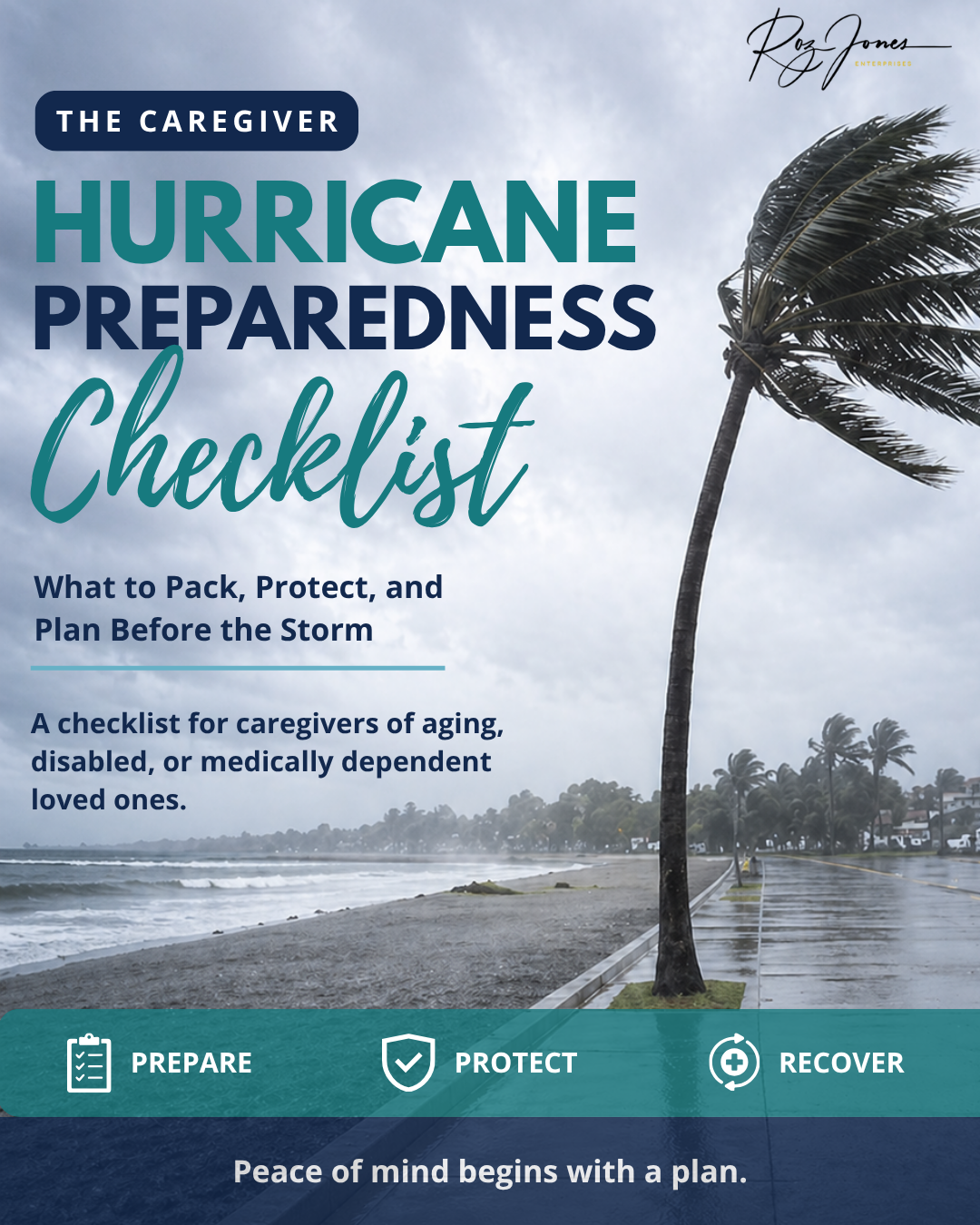
The Caregiver Hurricane Preparedness Checklist was created to help caregivers get organized before hurricane season becomes urgent. It walks you through important details like emergency supplies, medication planning, important documents, communication, transportation, and the needs of your aging loved one.
Purchase the Caregiver Hurricane Preparedness Checklist for $1.99 and take one practical step toward keeping your loved one safe, connected, and prepared before the next storm is in the forecast.
Need Help Building a Digital Care Plan?

Sometimes the hardest part is knowing where to start.
You may know your loved one needs more support, but you are not sure which tools make sense. You may be juggling appointments, passwords, family updates, documents, and emergency planning. You may feel like the care plan is living in your head, your phone, your email, and a pile of papers on the table.
That is too much for one person to carry alone. A Family Care Planning Session with Roz Jones can help you look at the bigger picture. Together, we can talk through your loved one’s needs, family responsibilities, safety concerns, emergency plans, documents, routines, and the tools that may help make caregiving more organized and less overwhelming.
Subscribe to The Caregiver Cafe Weekly Newsletter!

1. YOU ARE NOT ALONE: The problems you face as a caregiver are experienced by other caregivers. Knowing that you’re not alone can be comforting.
2. Tools and Resources: Find caregiver stress management tools and gain perspective from other caregiver’s experiences.
3. LEARN TO: Ask for help, accept help when it is offered, and acknowledge yourself on this caregiving journey. Hear from experts on how to balance caregiving responsibilities by taking care of your needs and involving others to help manage the natural stress and isolation of being a caregiver.

