By Roz Jones
When you hear the word leadership, what comes to mind? You may picture a manager directing a team, an executive making important decisions, or someone responsible for overseeing an organization. But leadership does not always come with a title, an office, or a paycheck. Sometimes, leadership looks like a daughter coordinating her mother’s medical appointments, a son making sure his father has what he needs at home, or a family member stepping in to help everyone navigate the changing needs of an aging loved one.
Caregiving requires you to make decisions, communicate with different people, manage responsibilities, and respond when circumstances change. You may not think of these actions as leadership because they have become part of your everyday routine. However, the ability to recognize what needs to be done, determine the next steps, and follow through is an important part of leading. Understanding this can help you see your caregiving experience differently, especially when you have spent so much time focusing on what your loved one needs.
Leadership Begins With Taking Initiative
As a caregiver, you may be the person who notices when something needs attention before anyone else does. You recognize that an appointment needs to be scheduled, a prescription needs to be refilled, or a change in your loved one’s routine requires further consideration. Instead of waiting for someone else to take responsibility, you begin figuring out what needs to happen.
Taking initiative does not mean you must handle every task yourself. It means recognizing a need and taking appropriate steps to address it. Sometimes that involves making a phone call, gathering information, asking for professional guidance, or letting another family member know that assistance is needed. Other times, it means recognizing that a situation requires more support than you can reasonably provide on your own.
These decisions may seem ordinary because they happen so frequently. Yet they require you to pay attention, assess what is happening, and determine how to move forward. As you reflect on your caregiving responsibilities, consider how often you have taken the first step toward solving a problem or making sure something important was not overlooked. Those moments demonstrate initiative, even if no one has ever called it leadership.
Making Decisions When There Is No Easy Answer
One of the more demanding parts of caring for an aging loved one is making decisions when the right answer is not immediately clear. You may need to consider changes in living arrangements, additional support at home, transportation options, or how to respond when your loved one’s needs become more complex. These decisions can involve practical concerns, personal preferences, financial limitations, and the emotions of everyone involved.
You may not always feel confident when making these choices. Sometimes you will need to gather more information, speak with healthcare professionals, consult other family members, or revisit a decision as circumstances change. Leadership does not require you to know everything. It requires you to recognize what you know, identify what you still need to understand, and take the time to make informed decisions.
It is also important to remember that your loved one should remain part of decisions affecting their life whenever possible. Their preferences, concerns, independence, and dignity deserve consideration. Taking responsibility for caregiving does not mean taking away their voice. In many situations, good leadership involves listening carefully, respecting your loved one’s wishes, and helping them understand the available options so decisions can be made together.
Learning to Coordinate People and Responsibilities
Caregiving can involve more people than the caregiver and the aging loved one. You may communicate with healthcare providers, relatives, transportation services, home care professionals, insurance representatives, and other people who play a role in providing support. Each person may have different information, responsibilities, and expectations. Keeping everyone informed can require considerable coordination.
You may find yourself confirming appointments, sharing updates, tracking instructions, and making sure the people involved understand what needs to happen next. If several relatives participate in caregiving, you may also need to coordinate schedules and clarify who is responsible for particular tasks. When communication breaks down, important details can be missed, leaving you to figure out how to address the situation.
These responsibilities require organization, clear communication, and an understanding of how different tasks connect. They also highlight the importance of setting expectations. When possible, establish who is responsible for each task, how updates will be shared, and what should happen if someone cannot fulfill their commitment. You should not have to keep every detail in your head or serve as the only person who knows what is happening.
Coordinating care is meaningful work, but it can become exhausting when everyone assumes you will manage the entire process. Recognizing your leadership abilities should also remind you that leadership includes knowing when responsibilities need to be shared.
Advocating for Your Loved One
There may be times when you need to speak up to make sure your loved one’s needs are understood. You might need clarification about a medical recommendation, ask questions about available services, communicate a concern to a healthcare professional, or request that someone explain information in a way your loved one can understand.
Advocacy requires preparation, patience, and the willingness to ask questions even when doing so feels uncomfortable. You may need to explain why a concern matters, seek additional information, or follow up when you have not received a clear response. You may also need to help your loved one communicate their preferences, particularly when they feel overwhelmed or have difficulty navigating a complicated system.
You do not have to be an expert in every subject to advocate effectively. You need to recognize when something is unclear, ask appropriate questions, and seek reliable information. It is also important to distinguish between speaking on behalf of your loved one when necessary and speaking over them when they can communicate for themselves.
The ability to advocate is not limited to medical appointments. It can also mean making sure your loved one is treated with respect, that their concerns are heard, and that the people involved in their care understand what matters to them. These actions help protect their dignity while supporting their ability to participate in decisions about their life.
Staying Flexible When the Plan Changes
Even the most organized caregiver cannot control every situation. An appointment may be canceled, a family member may become unavailable, or your loved one may need a different level of assistance than they did the week before. When circumstances change, you may have to reconsider your plans and determine what needs immediate attention.
This requires flexibility, but flexibility does not mean accepting every disruption without limits. It means recognizing what has changed, identifying the most important priorities, and deciding what adjustments are reasonable. Some situations will require immediate action, while others can wait until you have more information or assistance.
It is helpful to separate what must be addressed now from what can be handled later. When several responsibilities compete for your attention, determine which needs affect your loved one’s immediate safety or well-being and which can be scheduled for another time. If a situation exceeds what you can manage, reach out to the appropriate professional or support person rather than trying to solve everything alone.
You may have learned to adapt because caregiving leaves little room for everything to go according to plan. Recognizing that ability can help you appreciate how much thought and judgment you bring to your responsibilities.
Leadership Also Means Knowing Your Limits
Caregivers sometimes become the default person for every decision and every problem. Because you have been dependable, family members may assume you will continue managing everything. You may also find it difficult to step back because you worry that something will be missed if you are not involved.
However, leadership is not measured by how much responsibility one person can carry without help. It also involves recognizing when a situation requires additional resources, communicating limitations, and creating arrangements that do not depend entirely on one individual.
You may need to explain which responsibilities you can manage and which require assistance. You may need to ask relatives to take on specific tasks rather than making a general request for help. If family support is limited, you may need to explore community resources, professional caregiving services, or other options that fit your circumstances.
These conversations are not always easy, particularly when family members disagree about what should happen or how responsibilities should be divided. Still, being honest about your limits is important. Your loved one’s needs matter, and so does your ability to continue providing care without placing yourself in an unsustainable position.
Give Yourself Credit for the Work You Are Doing
Because caregiving responsibilities often repeat themselves, it can be easy to overlook the judgment and effort involved. You may focus on the appointments that still need to be scheduled, the paperwork that remains unfinished, or the problems that have not yet been resolved. When your attention is always on the next responsibility, you may rarely pause to recognize what you have already managed.
Take a moment to consider the decisions you have made, the situations you have helped navigate, and the ways you have supported your loved one through changing circumstances. Think about the times you stepped in when something needed attention, asked questions when information was unclear, or organized people and resources to address a concern. These experiences represent more than a list of tasks. They show how you have learned to respond to responsibility.
Recognizing these abilities does not mean pretending caregiving is easy or suggesting that every experience has been positive. It means acknowledging the effort and judgment required to manage a role that can be both demanding and deeply personal.
As you continue caring for your aging loved one, remember that leadership does not always look like being in charge. Sometimes it means listening, asking for help, making a thoughtful decision, or recognizing that the next step requires a different approach. You may already be practicing these skills every day without giving yourself credit for them.
If you haven’t read the original article that inspired this series, revisit Why Your Caregiving Skills Are Transferable to Your 9-5. It explores the valuable skills caregivers develop through their daily responsibilities, including communication, organization, problem-solving, and teamwork. Recognizing these abilities is an important step toward understanding the experience you bring to everything you do.
Tune in to The Caregiver Café Podcast
The Mindset of a Caregiver

For additional insight into the beliefs and expectations that shape your caregiving experience, tune in to The Caregiver Cafe Podcast with Roz Jones: The Mindset of a Caregiver. Take time to reflect on how you approach your responsibilities and where a different perspective may help you recognize your own needs alongside those of your loved one.
Give Yourself a Moment of Grace

For more encouragement through the emotional parts of the caregiving journey, Moments of Grace offers reflections for caregivers navigating responsibility, change, difficult days, and the moments of grace that can still be found along the way.
Preparing for hurricane season?
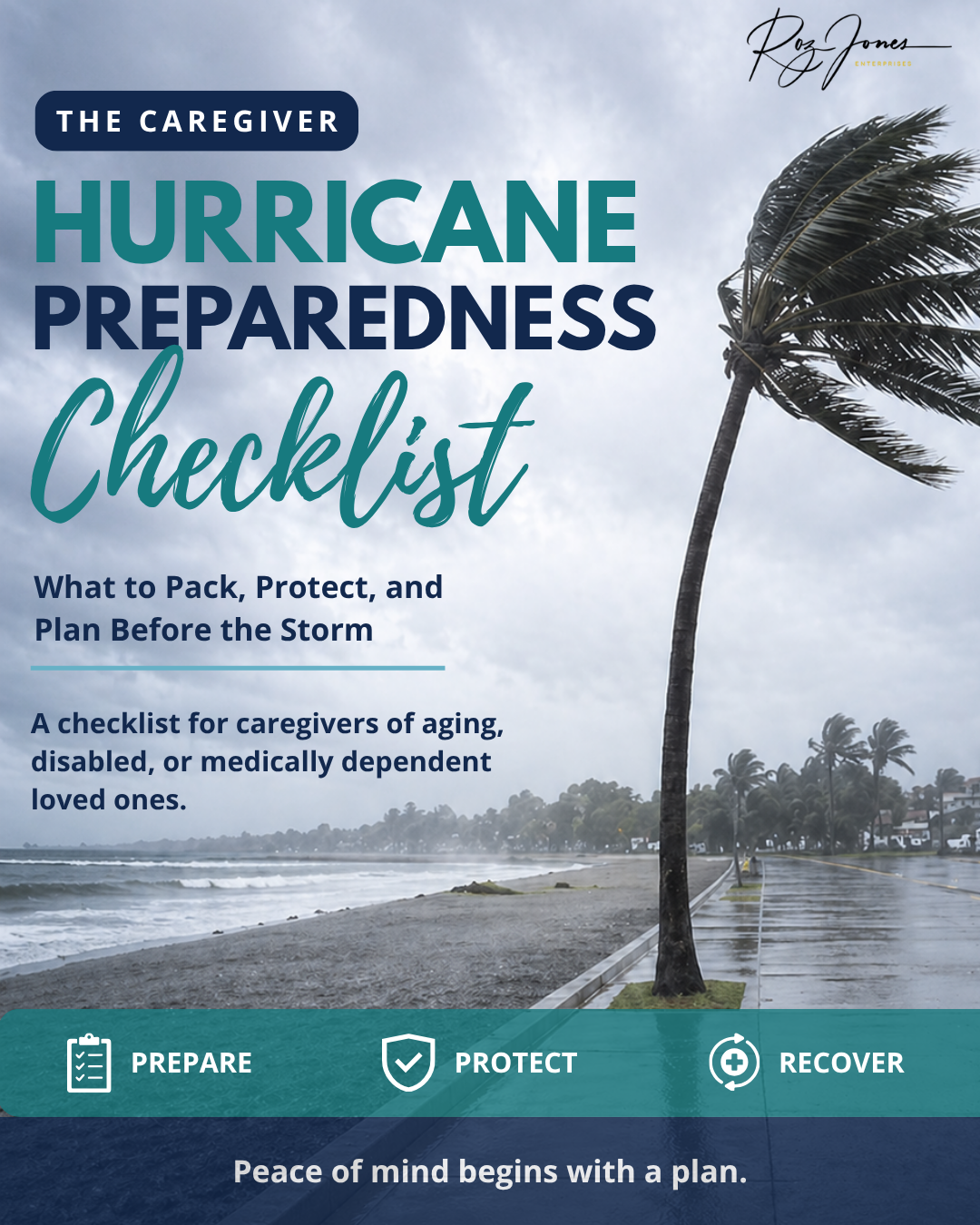
Help organize important emergency-planning considerations for your loved one. Having essential information and preparations in order can support your caregiving responsibilities when unexpected circumstances arise.
Subscribe to The Caregiver Cafe Weekly Newsletter!

1. YOU ARE NOT ALONE: The problems you face as a caregiver are experienced by other caregivers. Knowing that you’re not alone can be comforting.
2. Tools and Resources: Find caregiver stress management tools and gain perspective from other caregiver’s experiences.
3. LEARN TO: Ask for help, accept help when it is offered, and acknowledge yourself on this caregiving journey. Hear from experts on how to balance caregiving responsibilities by taking care of your needs and involving others to help manage the natural stress and isolation of being a caregiver.